免费 
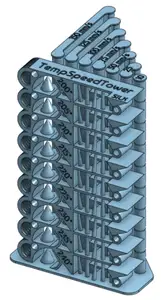
Smart compact temperature calibration tower
Thingiverse
This collection gathers STL test pieces used for temperature calibration on a 3D printer: stepped towers, first-layer patches, stringing blocks and small cubes. They help you compare how a filament behaves at different nozzle temperatures and pick a range worth keeping. Polyzon does not confirm whether models are free, their price, license, official status, affiliation, safety or fitness. Check the current terms at the source.
本合集的文字为英文,搜索本身支持任何语言。
 Polyzon合集 · 47个模型 来自5个平台
此合集由Polyzon根据已接入平台的搜索结果整理而成:去除重复项和没有预览图的模型,匹配度低的排在最后,其余按搜索结果顺序排列。模型归作者所有——请在各模型页面查看使用条款。
筛选规则:Polyzon编辑部 · 文字更新于2026年10月15日

%2Fhttps%3A%2F%2Ffbi.cults3d.com%2Fuploaders%2F21349336%2Fillustration-file%2F31ac2577-e8f4-4066-8507-addb16e4c77d%2FAXURA_STUDIO_FILMS_POPCORN_MICHAEL_-1.jpg&w=300)


%2Fhttps%3A%2F%2Ffbi.cults3d.com%2Fuploaders%2F27750803%2Fillustration-file%2F66351cba-3e58-433d-a2d9-130e20e80888%2FTemperatureTower-JJK-Front_ASA_Example.png&w=300)

%2Fhttps%3A%2F%2Ffbi.cults3d.com%2Fuploaders%2F21349336%2Fillustration-file%2Ff3db3d74-9a56-4ae1-802c-db2d79b66607%2FAXURA_STUDIO_POPCORN_BUCKET_TOYSTORY_BALON-1.png&w=300)




%2Fhttps%3A%2F%2Ffbi.cults3d.com%2Fuploaders%2F12981104%2Fillustration-file%2Fd09733d1-a748-4933-80c3-8010e12fb3eb%2FDoubleTower2TestStringing.jpg&w=300)

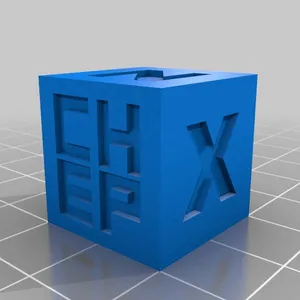

%2Fhttps%3A%2F%2Ffbi.cults3d.com%2Fuploaders%2F18193486%2Fillustration-file%2F34a70871-f3cb-4b47-83c6-e2da0544d227%2Fbrim3d_01.jpg&w=300)

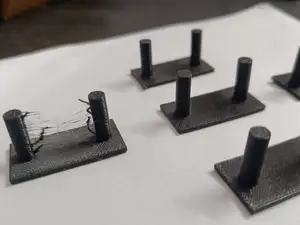
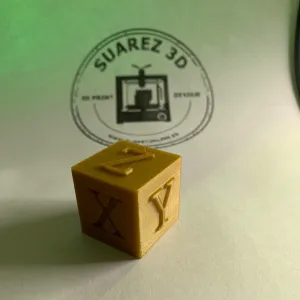

%2Fhttps%3A%2F%2Ffbi.cults3d.com%2Fuploaders%2F13081751%2Fillustration-file%2Fab91ed46-fe84-47c0-a113-f3db26d8900a%2FIMG_2627%255B1.JPG&w=300)

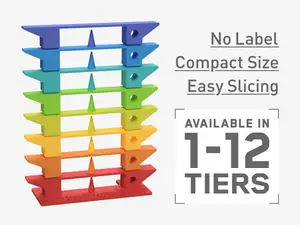

%2Fhttps%3A%2F%2Ffbi.cults3d.com%2Fuploaders%2F15456360%2Fillustration-file%2Fd55cf50f-f475-42d6-8cad-edeea460a62d%2Fab6817e32715abf0719855676b7d6013.png&w=300)


%2Fhttps%3A%2F%2Ffbi.cults3d.com%2Fuploaders%2F13651452%2Fillustration-file%2F3fd073fd-cf05-4de0-9d36-d8c4f94dcdc5%2Fa9e7061035580fc017b2f927ea99ab46.png&w=300)
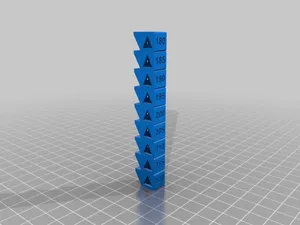
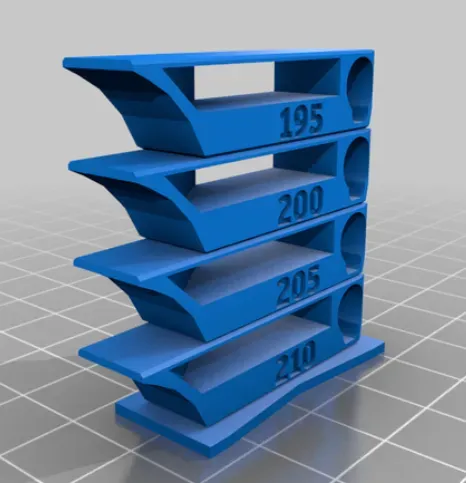
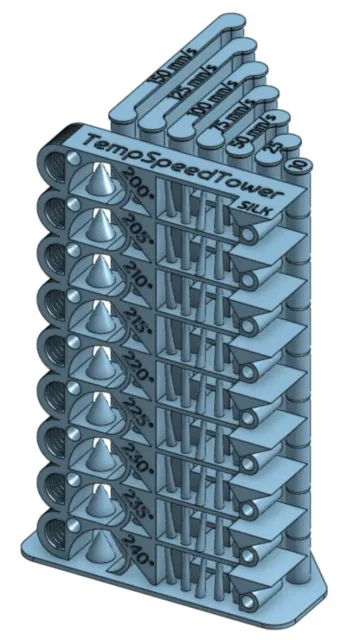
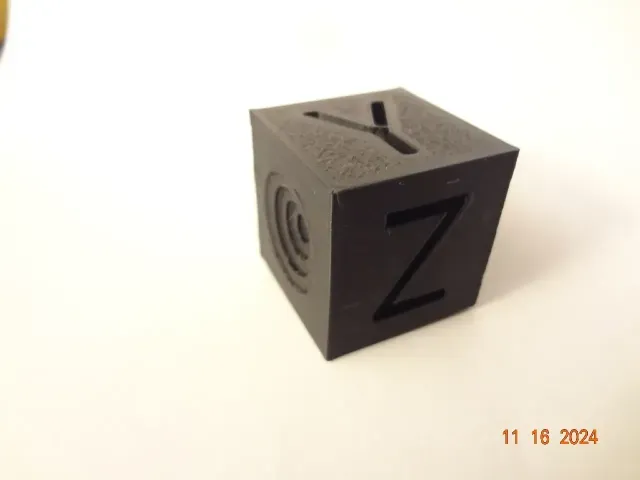
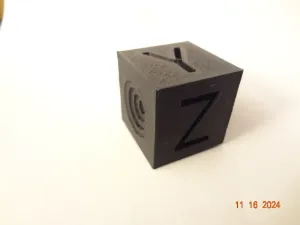
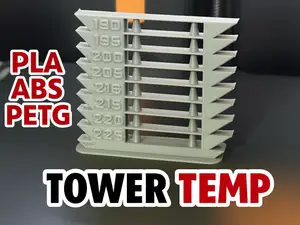
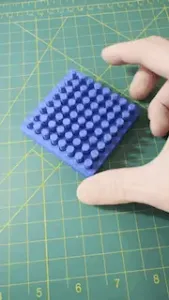
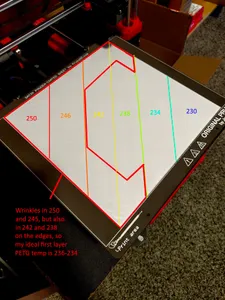
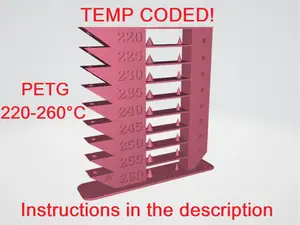
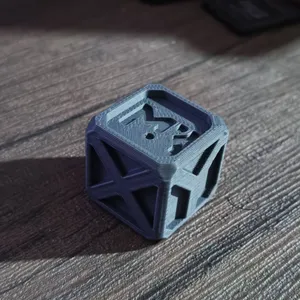
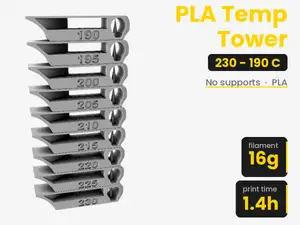
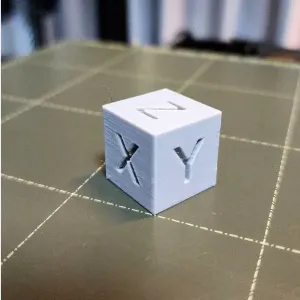
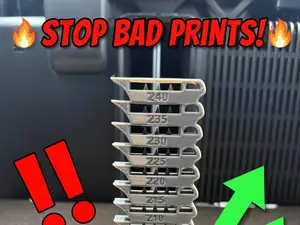
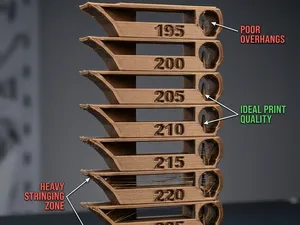
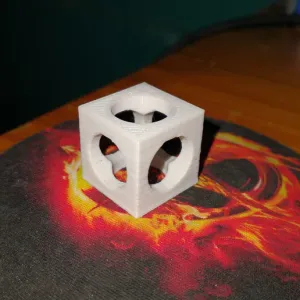
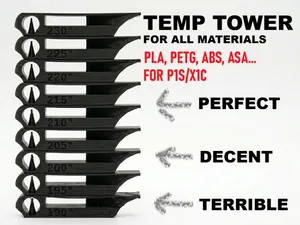
Most files here are towers that change temperature as the print rises, so one run shows several zones side by side. Some are written for a single material such as PLA, PETG or ABS, and a few combine temperature with speed changes in the same model. Smaller pieces cover narrower questions: first-layer appearance, stringing between separate walls, or a plain cube for quick checks.
When choosing a file, look at the temperature range the author lists and whether it matches your filament, then check the height and scale so the tower fits your build volume. Read the notes on layer height, nozzle size, part cooling and any required slicer edits, since a tower only works if the temperature actually changes at the right layers. Photos of real prints from other users show how readable the steps are.
To narrow the results, try synonyms such as temp tower, temperature test, retraction test or stringing test, and add your material name. Related searches like first layer, bridging, flow or dimensional accuracy lead to other calibration pieces that answer questions a temperature tower cannot.
If nothing fits your setup, look for customizable or editable versions where you can set the temperature steps and the number of zones yourself.
完整的主题目录:从家居日用到CNC,均可在已接入的来源平台中搜索。
%2Fhttps%3A%2F%2Ffbi.cults3d.com%2Fuploaders%2F16826013%2Fillustration-file%2F1a0de401-fc17-4984-8a3d-a631c577ec13%2FTempTower_PLA_180-225.png&w=640)