Grátis 
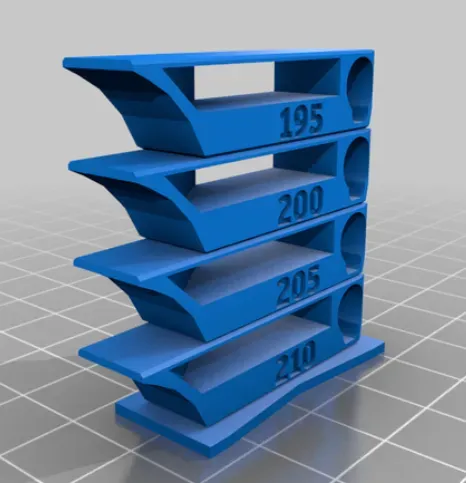
Smart compact temperature calibration tower
Thingiverse
This collection gathers STL test pieces used for temperature calibration on a 3D printer: stepped towers, first-layer patches, stringing blocks and small cubes. They help you compare how a filament behaves at different nozzle temperatures and pick a range worth keeping. Polyzon does not confirm whether models are free, their price, license, official status, affiliation, safety or fitness. Check the current terms at the source.
O texto desta coleção está em inglês; a busca funciona em qualquer idioma.
 Uma coleção do Polyzon · 47 modelos de 5 sites
O Polyzon monta esta coleção a partir dos resultados de busca dos sites conectados. Repetições e modelos sem prévia são removidos, correspondências fracas vão para o final e o restante segue a ordem da busca. Os modelos pertencem aos seus autores — confira os termos na página de cada modelo.
Regras de seleção: equipe editorial do Polyzon · Texto atualizado em 15/10/2026

%2Fhttps%3A%2F%2Ffbi.cults3d.com%2Fuploaders%2F21349336%2Fillustration-file%2F31ac2577-e8f4-4066-8507-addb16e4c77d%2FAXURA_STUDIO_FILMS_POPCORN_MICHAEL_-1.jpg&w=300)


%2Fhttps%3A%2F%2Ffbi.cults3d.com%2Fuploaders%2F27750803%2Fillustration-file%2F66351cba-3e58-433d-a2d9-130e20e80888%2FTemperatureTower-JJK-Front_ASA_Example.png&w=300)

%2Fhttps%3A%2F%2Ffbi.cults3d.com%2Fuploaders%2F21349336%2Fillustration-file%2Ff3db3d74-9a56-4ae1-802c-db2d79b66607%2FAXURA_STUDIO_POPCORN_BUCKET_TOYSTORY_BALON-1.png&w=300)




%2Fhttps%3A%2F%2Ffbi.cults3d.com%2Fuploaders%2F12981104%2Fillustration-file%2Fd09733d1-a748-4933-80c3-8010e12fb3eb%2FDoubleTower2TestStringing.jpg&w=300)


%2Fhttps%3A%2F%2Ffbi.cults3d.com%2Fuploaders%2F18193486%2Fillustration-file%2F34a70871-f3cb-4b47-83c6-e2da0544d227%2Fbrim3d_01.jpg&w=300)


%2Fhttps%3A%2F%2Ffbi.cults3d.com%2Fuploaders%2F13081751%2Fillustration-file%2Fab91ed46-fe84-47c0-a113-f3db26d8900a%2FIMG_2627%255B1.JPG&w=300)


%2Fhttps%3A%2F%2Ffbi.cults3d.com%2Fuploaders%2F15456360%2Fillustration-file%2Fd55cf50f-f475-42d6-8cad-edeea460a62d%2Fab6817e32715abf0719855676b7d6013.png&w=300)


%2Fhttps%3A%2F%2Ffbi.cults3d.com%2Fuploaders%2F13651452%2Fillustration-file%2F3fd073fd-cf05-4de0-9d36-d8c4f94dcdc5%2Fa9e7061035580fc017b2f927ea99ab46.png&w=300)
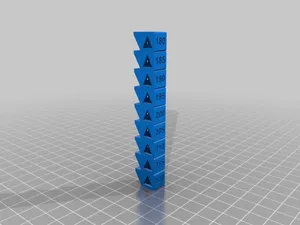
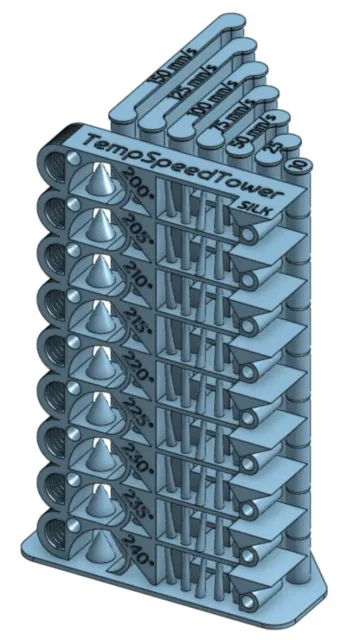
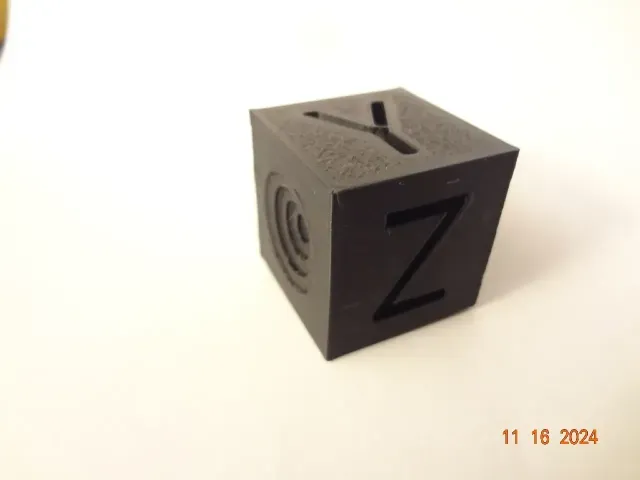
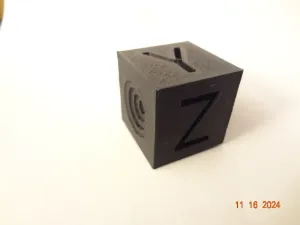
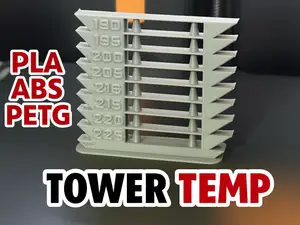
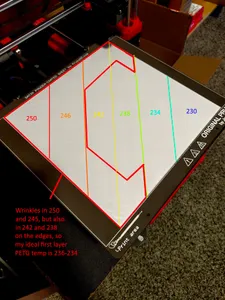
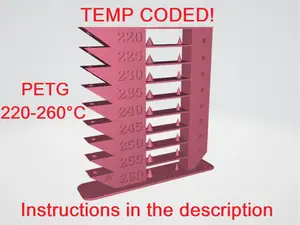
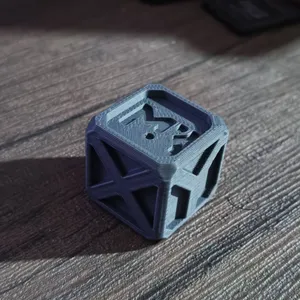
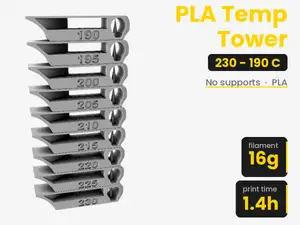
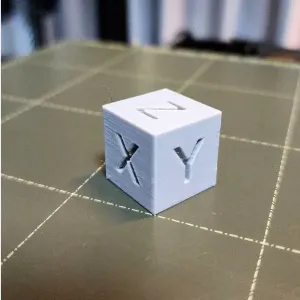
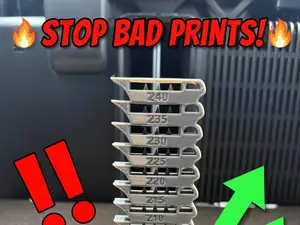
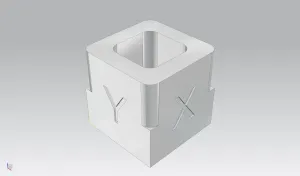
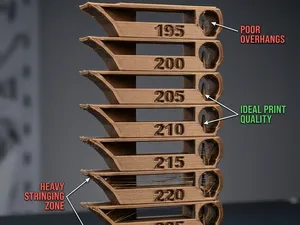
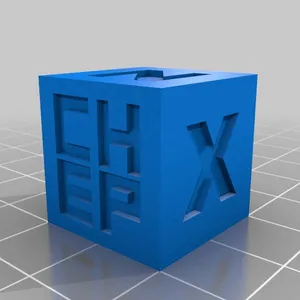
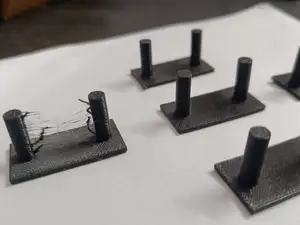
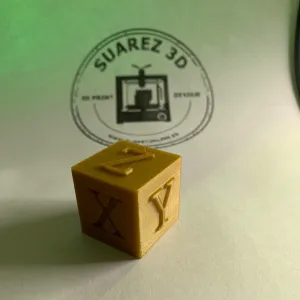
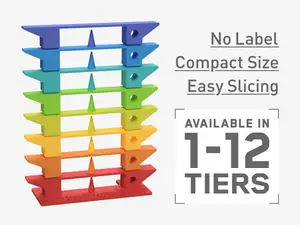
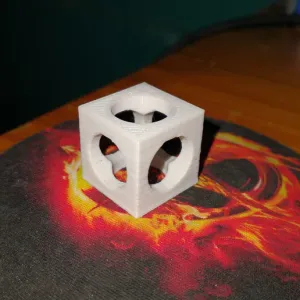
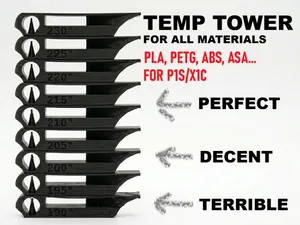
Most files here are towers that change temperature as the print rises, so one run shows several zones side by side. Some are written for a single material such as PLA, PETG or ABS, and a few combine temperature with speed changes in the same model. Smaller pieces cover narrower questions: first-layer appearance, stringing between separate walls, or a plain cube for quick checks.
When choosing a file, look at the temperature range the author lists and whether it matches your filament, then check the height and scale so the tower fits your build volume. Read the notes on layer height, nozzle size, part cooling and any required slicer edits, since a tower only works if the temperature actually changes at the right layers. Photos of real prints from other users show how readable the steps are.
To narrow the results, try synonyms such as temp tower, temperature test, retraction test or stringing test, and add your material name. Related searches like first layer, bridging, flow or dimensional accuracy lead to other calibration pieces that answer questions a temperature tower cannot.
If nothing fits your setup, look for customizable or editable versions where you can set the temperature steps and the number of zones yourself.



O catálogo completo de temas — de casa e utilidades a CNC, com busca em todos os sites conectados.
%2Fhttps%3A%2F%2Ffbi.cults3d.com%2Fuploaders%2F16826013%2Fillustration-file%2F1a0de401-fc17-4984-8a3d-a631c577ec13%2FTempTower_PLA_180-225.png&w=640)