
Бесплатно 
Mini box with sliding magnet lid
Printables
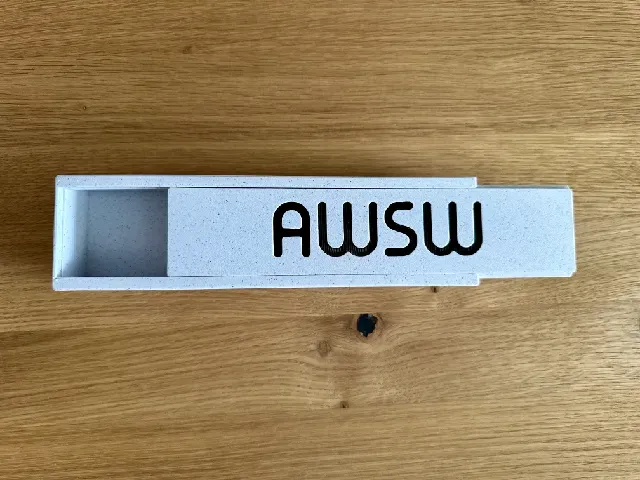

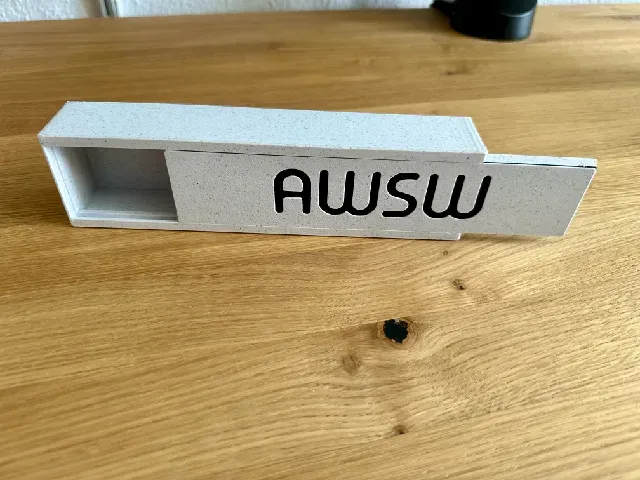


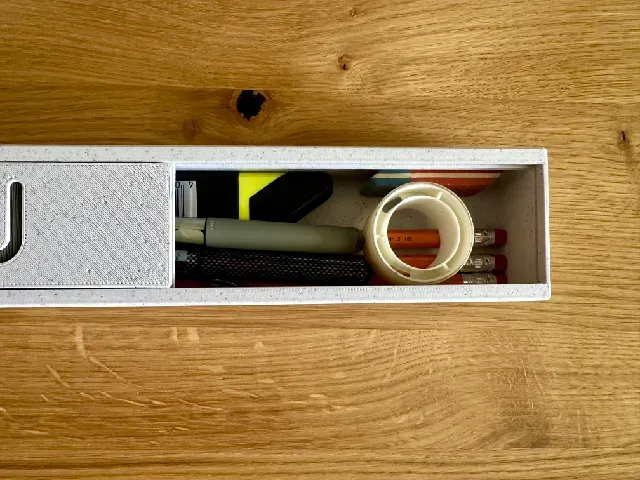


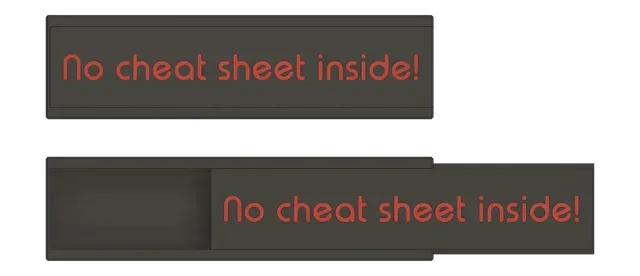


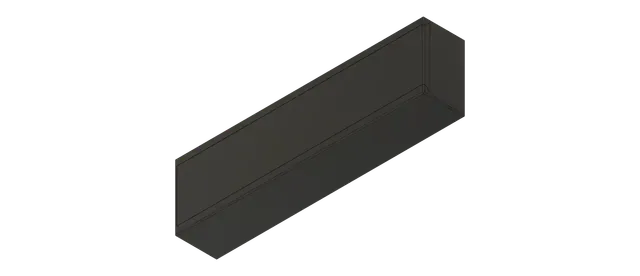


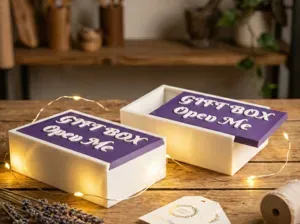
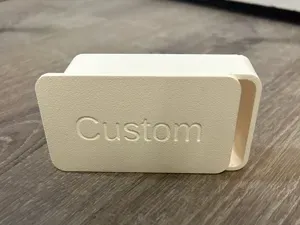
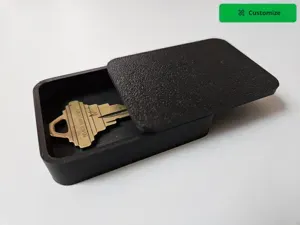
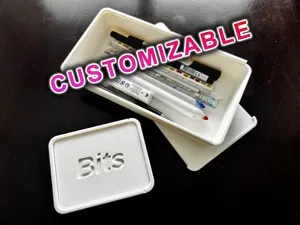
Simple to print pencil box with your own name or text on sliding magnet lid. =)
Functions:
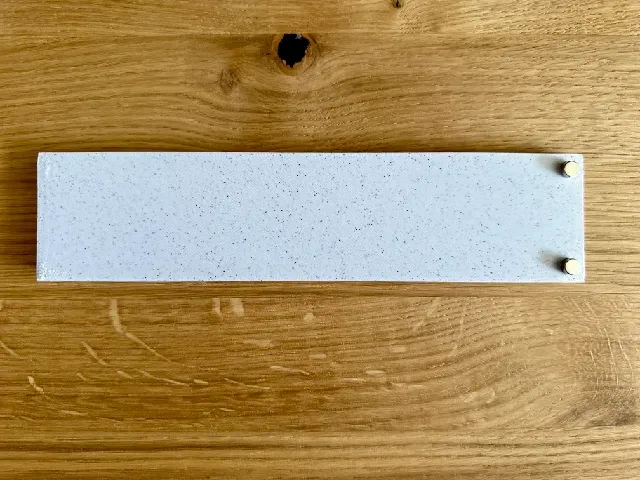
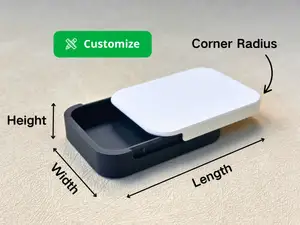
- Add your own names or text on the lid in your slicer. See instructions below. No CAD tool needed! - The lid is held in place by 4 magnets with Ø6mm x 3mm in thickness which are pressed into the prepared holes. No glue needed. - The lid is slide in place and can keep a lot of pencils or other things needed inside. - The case dimensions are: - Outside: 205x55x35mm - Inside: 199x49x27mm
Parts needed:
- 4x 6x3mm magnets (Ø6mm, thickness 3mm)
Note:
- Double check the orientation of the magnets before you press them in the box and the lid fully, so that they will keep the box closed… ;-)
Printing instructions:
- 0.2 speed profile. - No supports needed for all parts. - Using a brim can help if you have adhesion problems on your print bed. I would not use it, because I cleaned my textured sheet with dishwashing liquid carefully with a new sponge, wipe it dry and then with isopropanol alcohol again on the printer to make the parts stick really good. If you face problems with adhesion feel free to add a 5mm brim to the box and lid part. - Textured sheet usage could add a nice texture to the parts. - If you use a textured sheet, let it cool down completely after the print and wait for the part gets loose by itself. Do not pull on it to avoid ripping off the letters! - In my case it takes 45-60 minutes after the print has ended and the part just lays loose on the print bed. - Do not touch the print bed and clean it with Isopropanol alcohol before printing. - Adding the custom text: - Two (2) color changes in the lid part are required at about 1mm and 2mm height to create the color change for the text. To read how such a color change is done, you will find a really good article here. - I have added you an extra lid with a preconfigured text for Prusa Slicer ≥2.8 where you simply can modify the text, font and size. The mode should be “cutout” to cut the text in the lid. You can read more about the text tool in Prusa Slicer here . - If you use the .3MF files the color change and text is preconfigured for 1mm layer height.
Happy printing =)

Названия используются только для указания источника результата. Polyzon не аффилирован с перечисленными площадками.