Ücretsiz 
Whetstone Enclose
Thingiverse
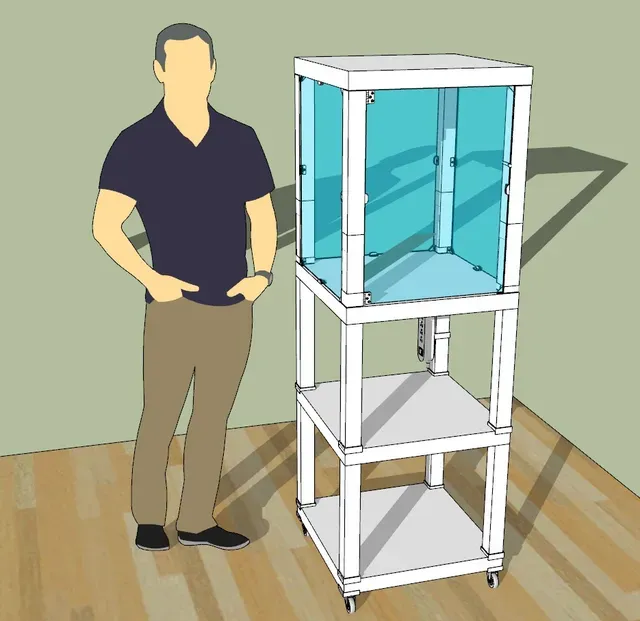
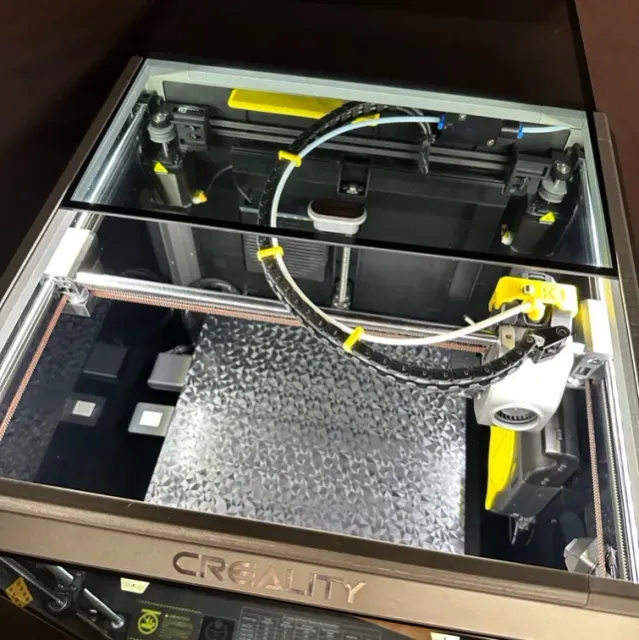
This collection gathers STL files for closing off a 3D printer: cabinet frames, side panels, sliding lids and the small parts that go inside. It is useful when you want a warmer, quieter machine or a tidier setup, and you already know which printer or table frame you are building around. Polyzon does not confirm whether models are free, their price, license, official status, affiliation, safety or fitness. Check the current terms at the source.
Bu koleksiyonun metni İngilizce; arama ise her dilde çalışır.
 Bir Polyzon koleksiyonu · 47 model 4 siteden
Polyzon bu koleksiyonu bağlı sitelerdeki arama sonuçlarından oluşturur. Tekrarlar ve önizlemesi olmayan modeller çıkarılır, zayıf eşleşmeler sona alınır, geri kalanlar arama sırasını korur. Modeller yazarlarına aittir; her modelin sayfasındaki koşulları kontrol edin.
Seçim kuralları: Polyzon editör ekibi · Metin güncellendi: 15.10.2026



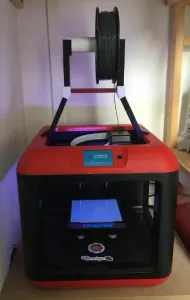



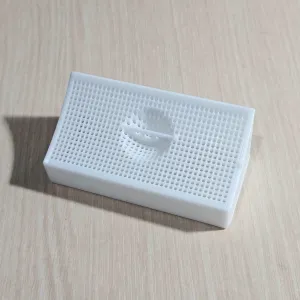

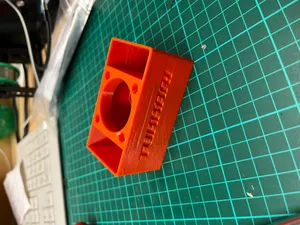

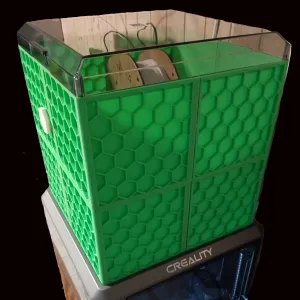

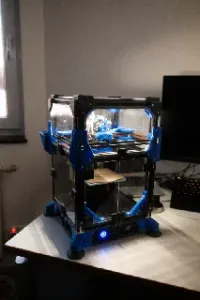

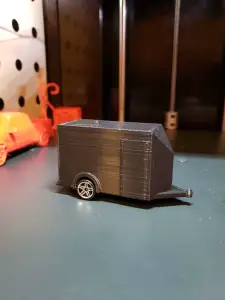



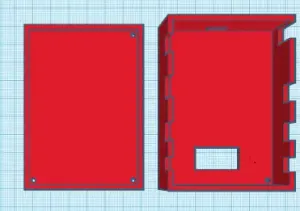

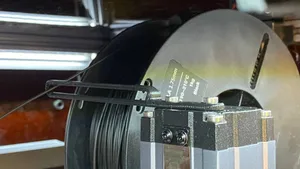
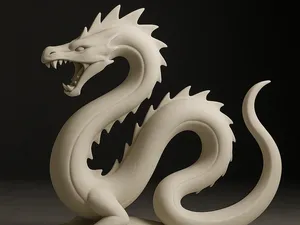
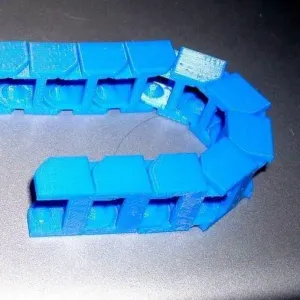


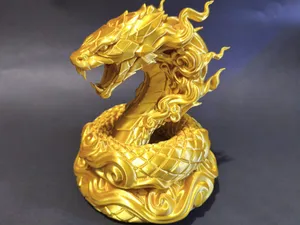
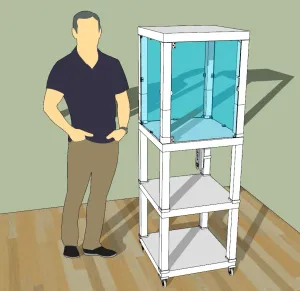

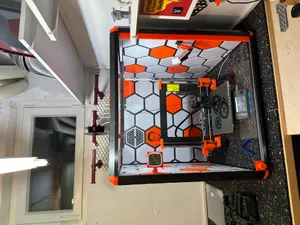









Enclosure models differ mainly in scope. Some cover a whole cabinet, with frame pieces, panels and a door that turn an open printer into a closed one. Others handle a single side of the machine, such as a front panel, a sliding glass lid or a top cover. A third group is made of inserts that sit inside an existing box: spool holders, desiccant trays, fan mounts and corner fillers.
Before printing, read what the author lists on the model page. Check the printer model and the outer dimensions the parts are drawn for, the panel thickness they expect, and how the pieces join, whether with screws, magnets, printed clips or sliding rails. Look at whether supports are needed and how large the biggest part is, since tall panels often have to be split for a smaller bed. Photos of finished builds show how the sections line up better than a render does.
If a search returns little, widen the wording. Enclosure, cabinet, case, housing, chamber, lid, panel and door all describe similar parts, and adding the printer name or the table frame name narrows the list quickly. Related searches such as spool holder, desiccant tray, fan duct, hinge and corner bracket often lead to the same builds. You can also search by the part you are missing rather than by the whole enclosure.


Ev ve günlük yaşamdan CNC'ye kadar tüm konuların kataloğu; bağlı sitelerin hepsinde arama yapabilirsiniz.