
免费 
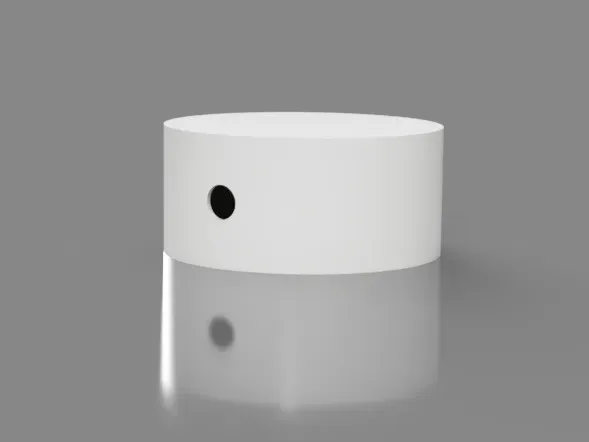
GU10 installation housing
Thingiverse
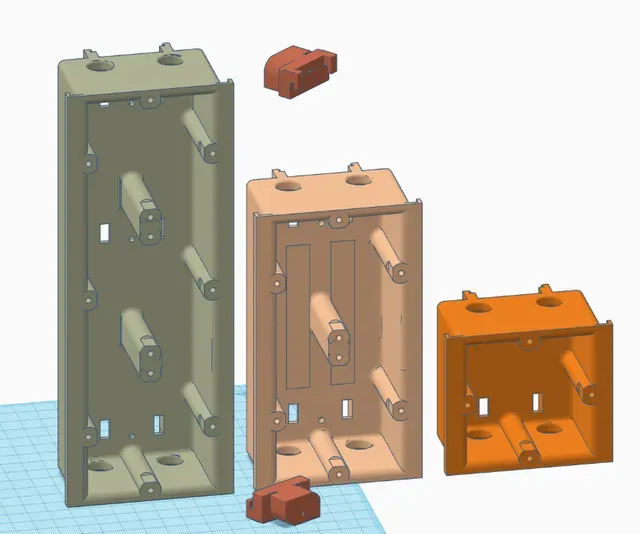
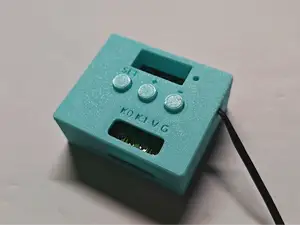
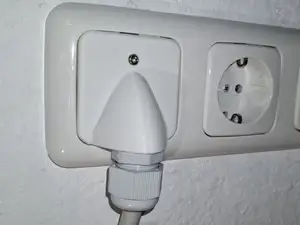
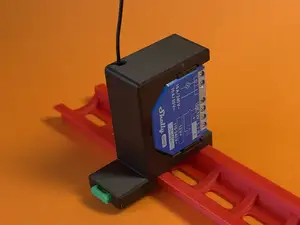
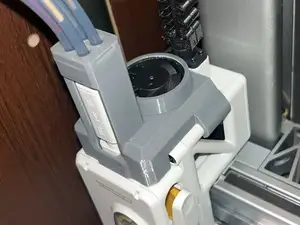
This collection gathers 3D models that hold, cover or mount something else: electrical boxes, enclosures for small devices, bearing housings and trim inserts. Most of them are designed around a specific component, so the printed part is only useful once its dimensions match. It is a practical starting point if you already know what has to fit inside and where it will be fixed. Polyzon does not confirm whether models are free, their price, license, official status, affiliation, safety or fitness. Check the current terms at the source.
本合集的文字为英文,搜索本身支持任何语言。
 Polyzon合集 · 47个模型 来自4个平台
此合集由Polyzon根据已接入平台的搜索结果整理而成:去除重复项和没有预览图的模型,匹配度低的排在最后,其余按搜索结果顺序排列。模型归作者所有——请在各模型页面查看使用条款。
筛选规则:Polyzon编辑部 · 文字更新于2026年10月14日

%2Fhttps%3A%2F%2Ffbi.cults3d.com%2Fuploaders%2F15103876%2Fillustration-file%2F2ce79e08-a0a5-44b7-8ebd-c06a2387c303%2Fbf19d7ae-ef8d-4cf9-8f1e-52bf3dce9471.jpg&w=300)


%2Fhttps%3A%2F%2Ffbi.cults3d.com%2Fuploaders%2F29478193%2Fillustration-file%2F43d1c7ad-8859-46e0-ba0a-efddc565dbb8%2F120-skull-hat.png&w=300)


%2Fhttps%3A%2F%2Ffbi.cults3d.com%2Fuploaders%2F30209306%2Fillustration-file%2F2b6c8af9-8c01-47e8-8e05-71b9afc0f9bd%2F1000041410.jpg&w=300)


%2Fhttps%3A%2F%2Ffbi.cults3d.com%2Fuploaders%2F27492874%2Fillustration-file%2F4ae42695-f58b-4a2d-b0c1-51fdbc2c51d2%2F1.png&w=300)

%2Fhttps%3A%2F%2Ffbi.cults3d.com%2Fuploaders%2F30375783%2Fillustration-file%2F2308c739-5e73-49c9-a46e-aec012fea0fe%2FPhotoroom_20260401_140402.jpeg&w=300)

%2Fhttps%3A%2F%2Ffbi.cults3d.com%2Fuploaders%2F29478193%2Fillustration-file%2F8c9a9ecc-c2a4-4411-aa91-73bab6cca61d%2FTRB-Celt.png&w=300)

%2Fhttps%3A%2F%2Ffbi.cults3d.com%2Fuploaders%2F29478193%2Fillustration-file%2F8019bfe6-639b-4cac-8f4d-3c936f66a252%2FBear-120.png&w=300)

%2Fhttps%3A%2F%2Ffbi.cults3d.com%2Fuploaders%2F29478193%2Fillustration-file%2F03d765bf-24ca-4a3d-b72e-251d95acfb76%2Fsnowflake.png&w=300)


%2Fhttps%3A%2F%2Ffbi.cults3d.com%2Fuploaders%2F22386743%2Fillustration-file%2F15de0215-6489-43db-b215-8e26254c004d%2F79ce44ff-3700-4111-98f0-01babf3193a4.png&w=300)


%2Fhttps%3A%2F%2Ffbi.cults3d.com%2Fuploaders%2F29478193%2Fillustration-file%2F83f16bff-9111-477a-9a4c-49c622f98a1c%2Fwolf.png&w=300)
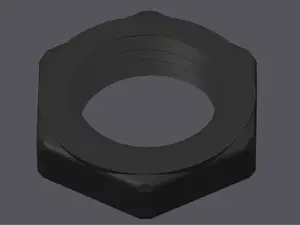

%2Fhttps%3A%2F%2Ffbi.cults3d.com%2Fuploaders%2F14161876%2Fillustration-file%2F30637f90-7d48-4c6a-8d60-1b7cbc87c581%2Fwahl.jpeg&w=300)
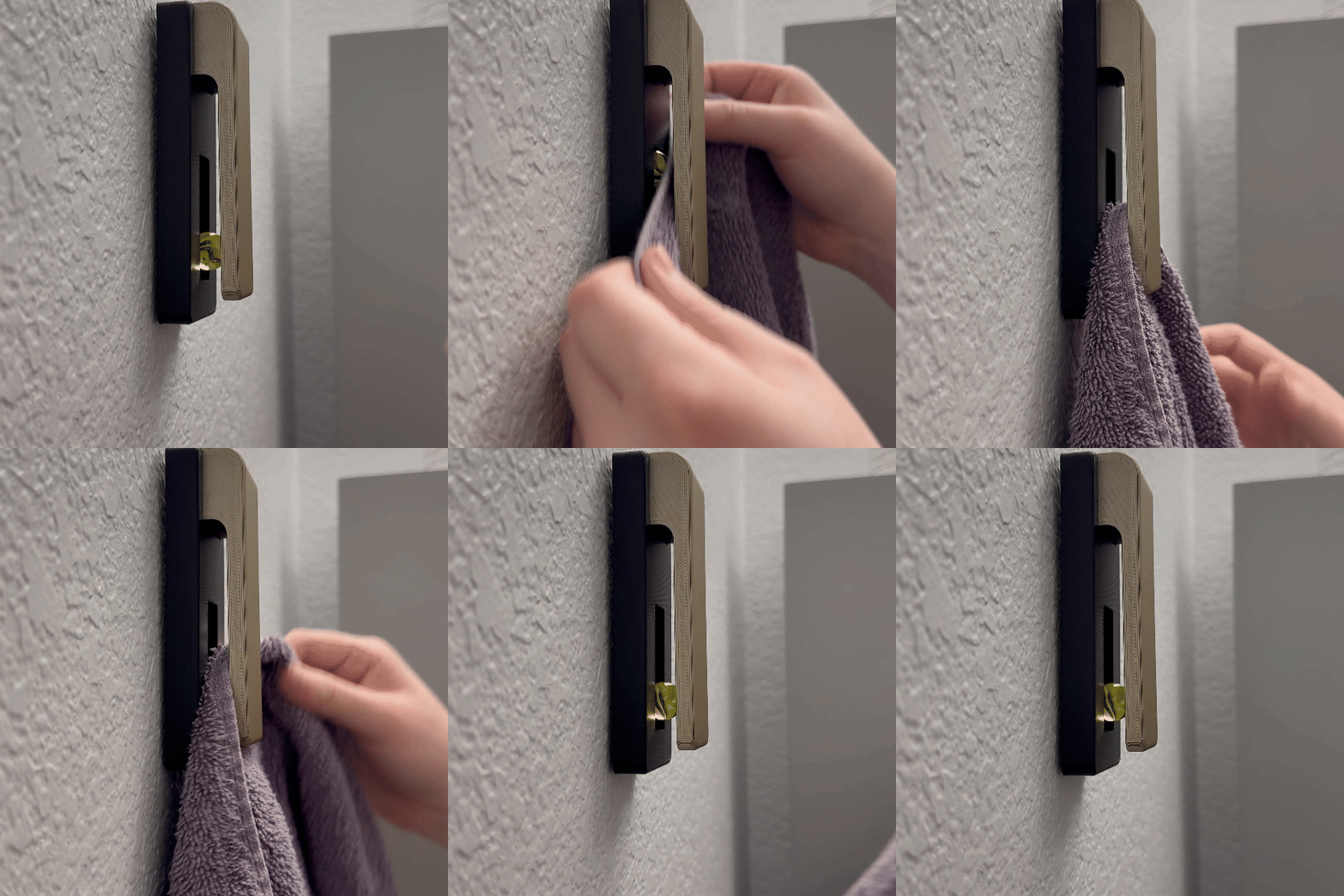

%2Fhttps%3A%2F%2Ffbi.cults3d.com%2Fuploaders%2F29478193%2Fillustration-file%2F728e3e26-da4b-4360-8728-9f38bc3d39ae%2FAlice_in_wonderland_.png&w=300)
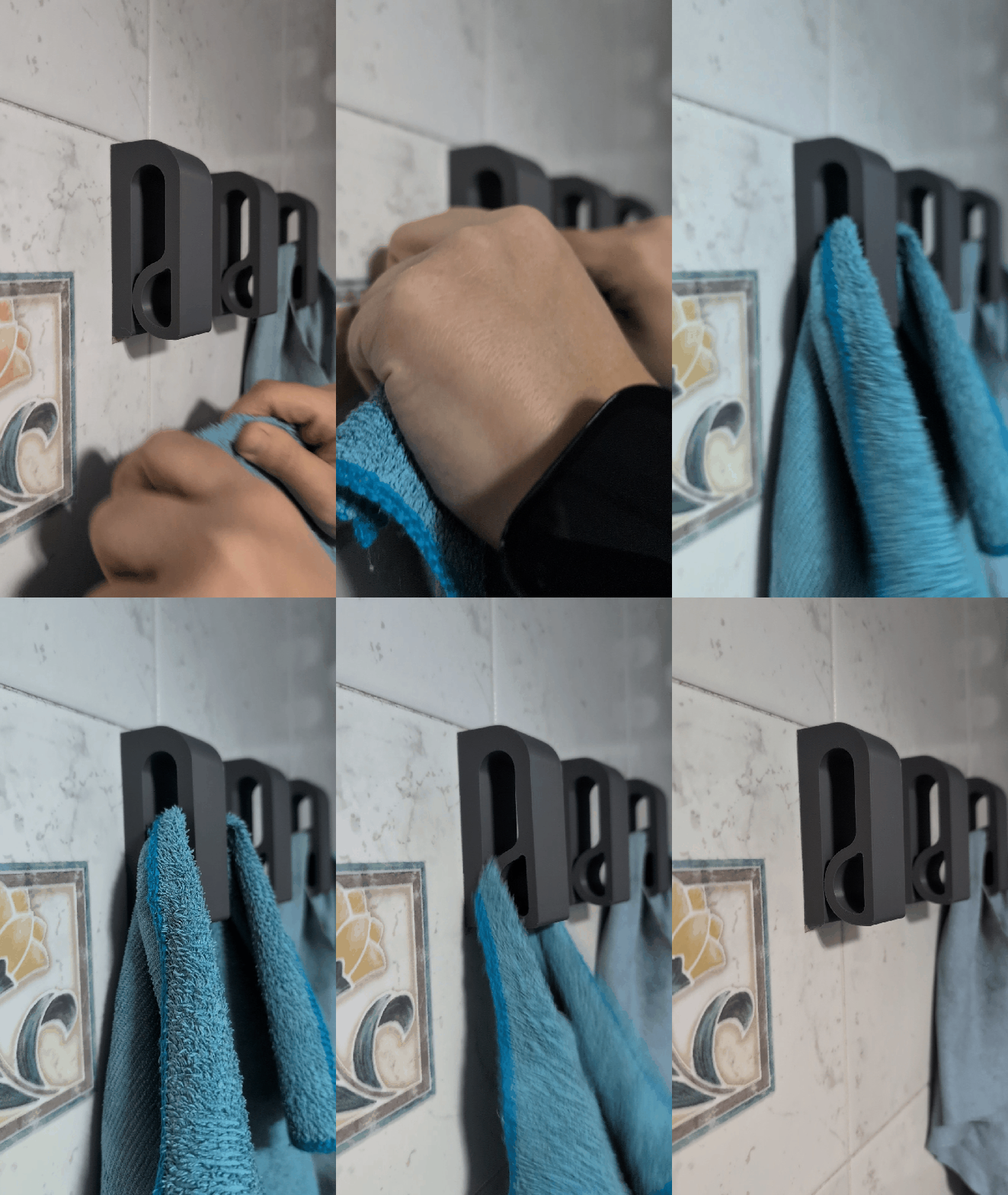

%2Fhttps%3A%2F%2Ffbi.cults3d.com%2Fuploaders%2F29478193%2Fillustration-file%2F5ca5e099-09e3-4be6-9a36-74d7762d61fe%2Fsssr.png&w=300)


%2Fhttps%3A%2F%2Ffbi.cults3d.com%2Fuploaders%2F29478193%2Fillustration-file%2F668ed843-62fd-49b7-a29c-e74a3aa20eb2%2FPH-skull-120.png&w=300)
The parts differ mainly in what they are built around. Installation boxes and cable ducts are shaped by a wall opening or a standard frame, device enclosures follow the outline of a meter, controller or board, and bearing housings are defined by shaft diameter and bolt spacing. Automotive inserts and display shells sit somewhere between a cover and a bracket, so they often combine a visible face with hidden fixing points.
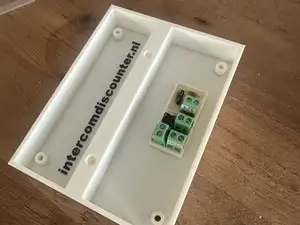
Before printing, compare the model dimensions with the real component and with the cutout it has to pass through. Look at wall thickness, screw boss positions, lid or snap-fit design, and whether the author shows supports, orientation, material and settings. Photos of finished prints are more informative than renders, especially for thin walls and close tolerances.
If the first search gives little, try other words for the same object: enclosure, case, box, housing, mount, bracket, holder, adapter, bezel, faceplate, junction box or cable gland. Related topics such as cable management, panel cutouts, DIN rail mounting or printer carriage parts often lead to models with the same fixing logic. Changing the component name or the mounting standard usually widens the results more than changing the printer name.




完整的主题目录:从家居日用到CNC,均可在已接入的来源平台中搜索。
%2Fhttps%3A%2F%2Ffbi.cults3d.com%2Fuploaders%2F21181834%2Fillustration-file%2F3b3a44a7-916b-4e1c-8483-0d54013644e1%2Funtitled.230.jpg&w=640)