Gratis 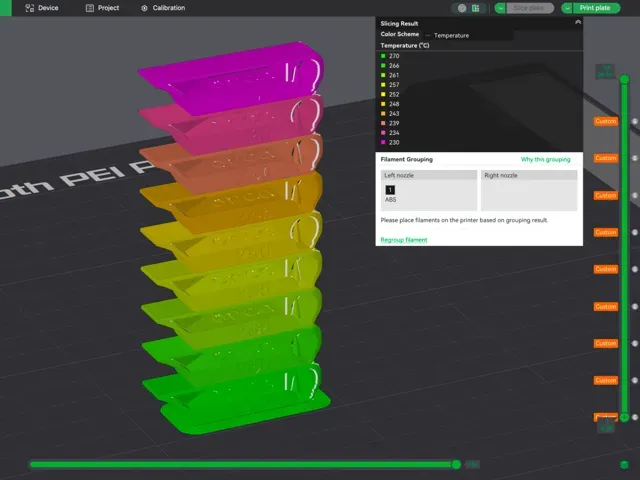
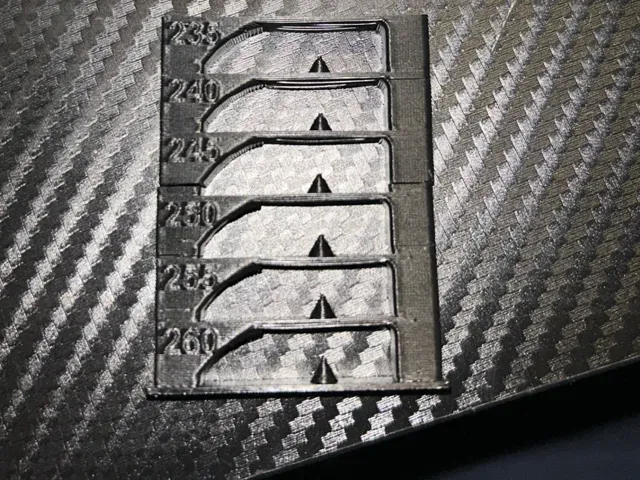
ABS/ASA Temp tower - with custom g-code
MakerWorld
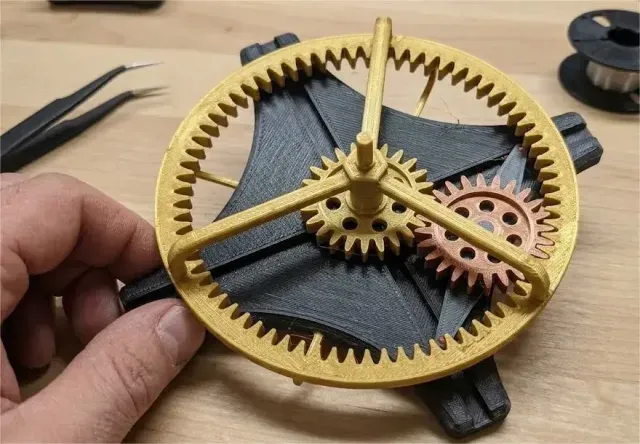
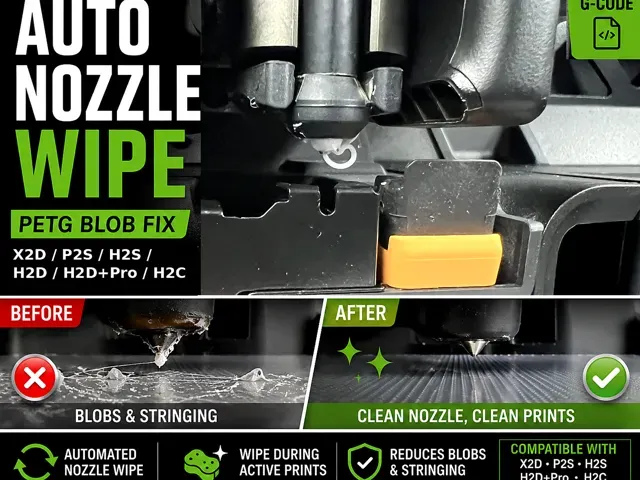
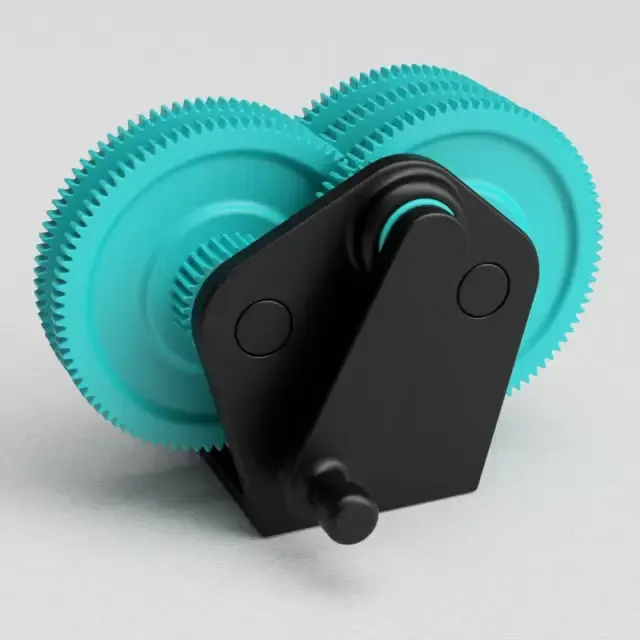
This collection gathers two related groups: printed gear mechanisms and the custom g-code files that shape how a 3D printer runs a job. It is useful when you need a working gear assembly, a small fidget piece, or a start, wipe or temperature routine you can adapt to your own machine. Polyzon does not confirm whether models are free, their price, license, official status, affiliation, safety or fitness. Check the current terms at the source.
Esta colección está escrita en inglés, pero la búsqueda funciona en cualquier idioma.
 Una colección de Polyzon · 40 modelos de 2 plataformas
Polyzon reúne esta colección a partir de los resultados de búsqueda de las plataformas conectadas. Se eliminan los duplicados y los modelos sin vista previa, las coincidencias débiles van al final y el resto mantiene el orden de la búsqueda. Los modelos pertenecen a sus autores: consulta las condiciones en la página de cada modelo.
Criterios de selección: el equipo editorial de Polyzon · Texto actualizado el 15/10/2026
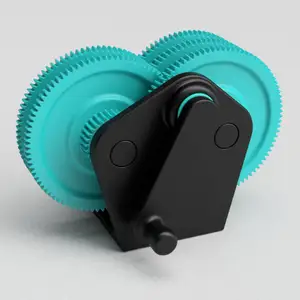
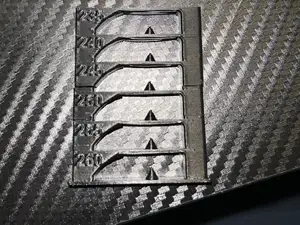
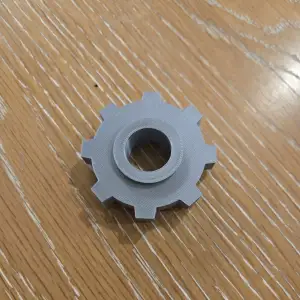
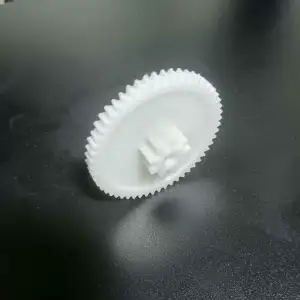

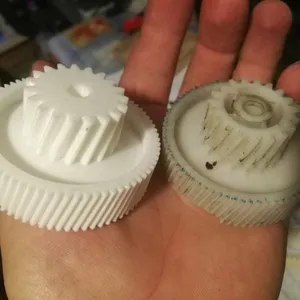
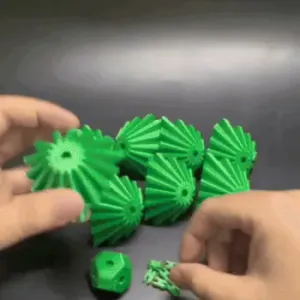
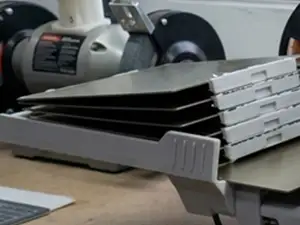

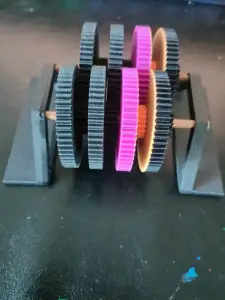
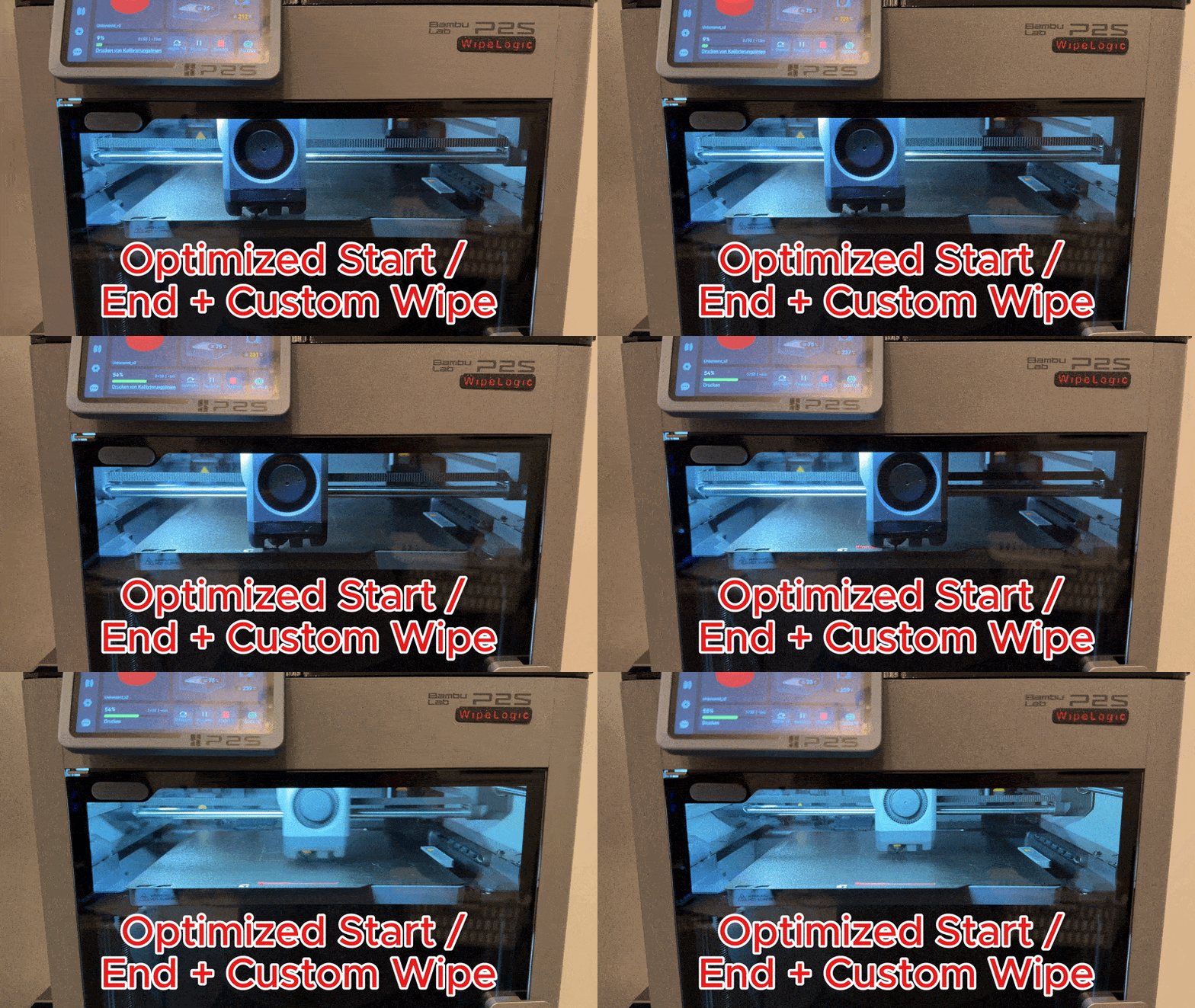
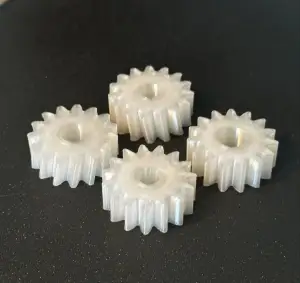
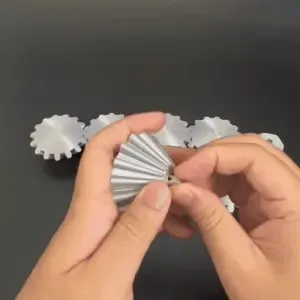
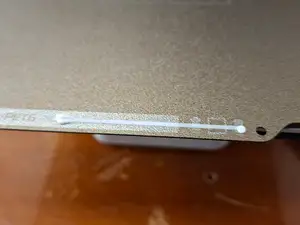
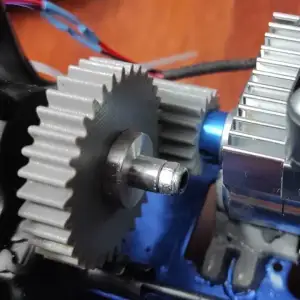
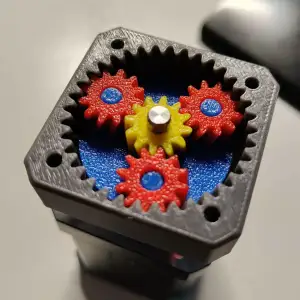

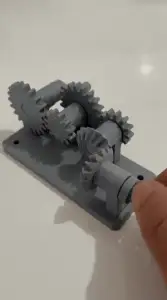
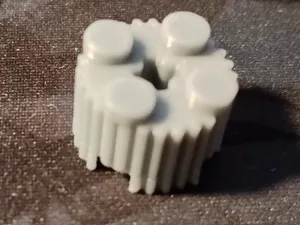
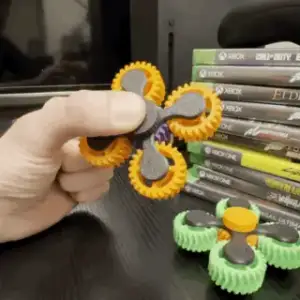
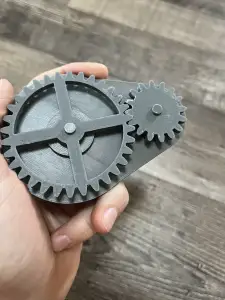
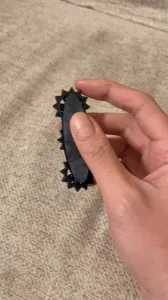
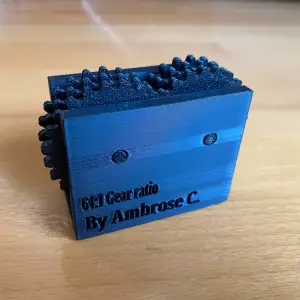
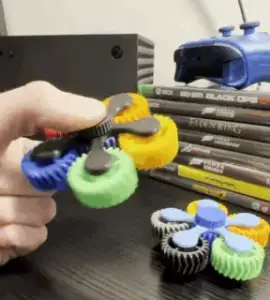
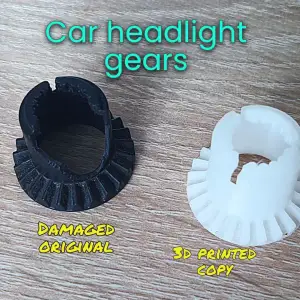
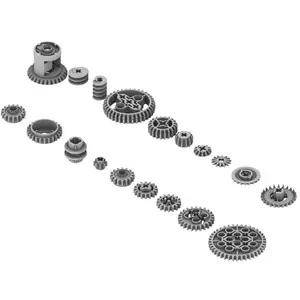
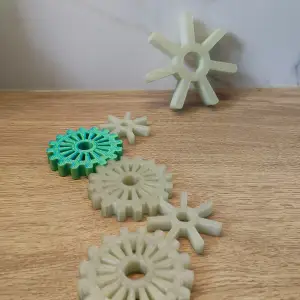
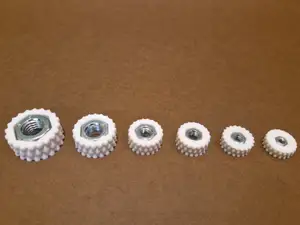
Gear models range from single wheels and small toothed parts to multi-part gearboxes and motor-driven assemblies. Fidget versions are built around a moving joint or a rotating pair, so they print as one piece or as a few parts that snap together. The g-code side is different in kind: these are text routines for start, end, nozzle wipe, filament change or temperature testing, often written for a specific printer family and material.
When choosing a gear model, look at the module and tooth count, the shaft or bore diameter, and how many parts the assembly needs. On the author's page, check the listed material and settings, whether supports are needed, and photos of real prints to judge tolerances and surface finish. For g-code files, read the comments in the file and the description: they usually state which firmware, bed size and material the routine assumes, and which lines you must edit before running it.
To narrow the search, combine terms such as gear, gearbox, spur gear, planetary, rack and pinion, or fidget with words like parametric, module or tooth count. For g-code, try start g-code, end g-code, wipe, purge, temperature tower, retraction test or first layer, and add your printer series or material. Related topics worth checking are extruder and feeder parts, filament guides, and calibration prints.


%2Fhttps%3A%2F%2Ffbi.cults3d.com%2Fuploaders%2F13320524%2Fillustration-file%2F78410c3a-f0f2-48ca-aed0-0bd74d51c16f%2F9c745bce0fce3aea6fc9feb12fe18463_preview_featured.jpg&w=300)

El catálogo completo de temáticas, del hogar al CNC, con búsqueda en todas las plataformas conectadas.