Gratis 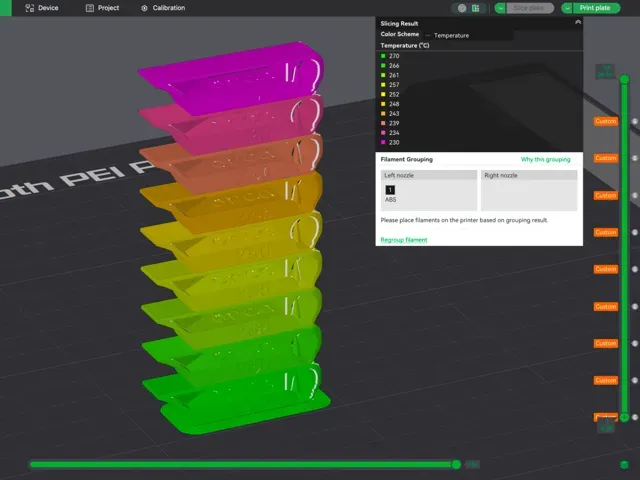
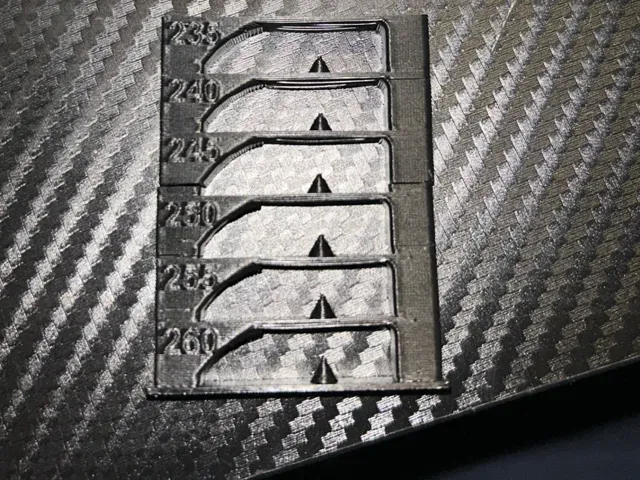
ABS/ASA Temp tower - with custom g-code
MakerWorld
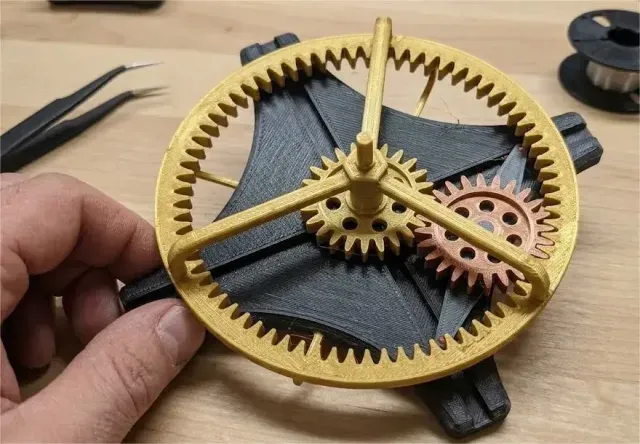
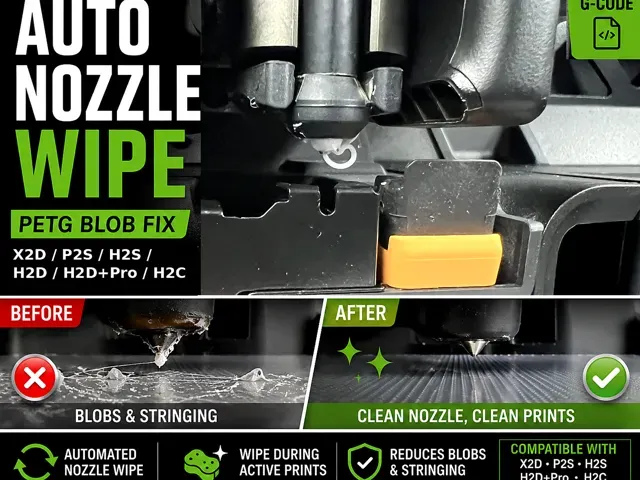
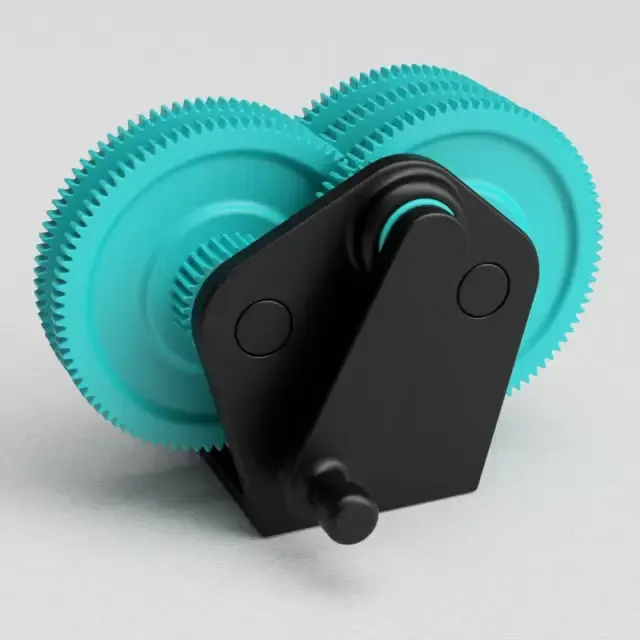
This collection gathers two related groups: printed gear mechanisms and the custom g-code files that shape how a 3D printer runs a job. It is useful when you need a working gear assembly, a small fidget piece, or a start, wipe or temperature routine you can adapt to your own machine. Polyzon does not confirm whether models are free, their price, license, official status, affiliation, safety or fitness. Check the current terms at the source.
Il testo di questa raccolta è in inglese; la ricerca funziona in qualsiasi lingua.
 Una raccolta di Polyzon · 40 modelli da 2 siti
Polyzon compone questa raccolta a partire dai risultati di ricerca dei siti collegati. I doppioni e i modelli senza anteprima vengono rimossi, le corrispondenze deboli finiscono in fondo e il resto mantiene l’ordine dei risultati. I modelli appartengono ai rispettivi autori: verifica le condizioni sulla pagina di ciascun modello.
Criteri di selezione a cura della redazione di Polyzon · Testo aggiornato: 15/10/2026
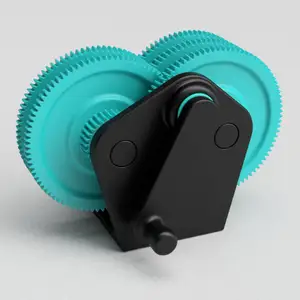
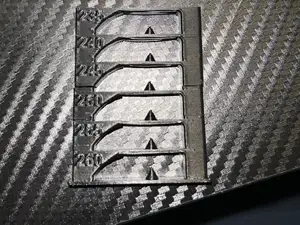
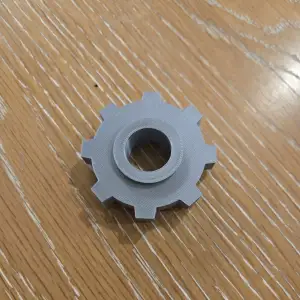
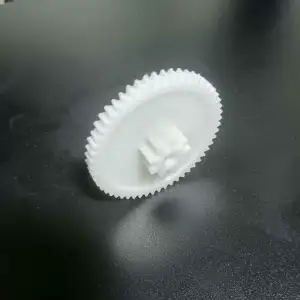

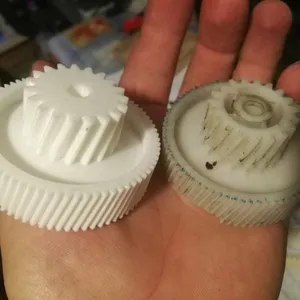
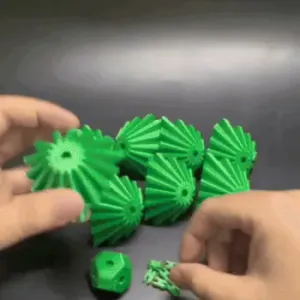

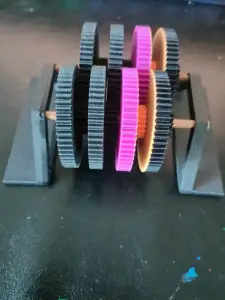
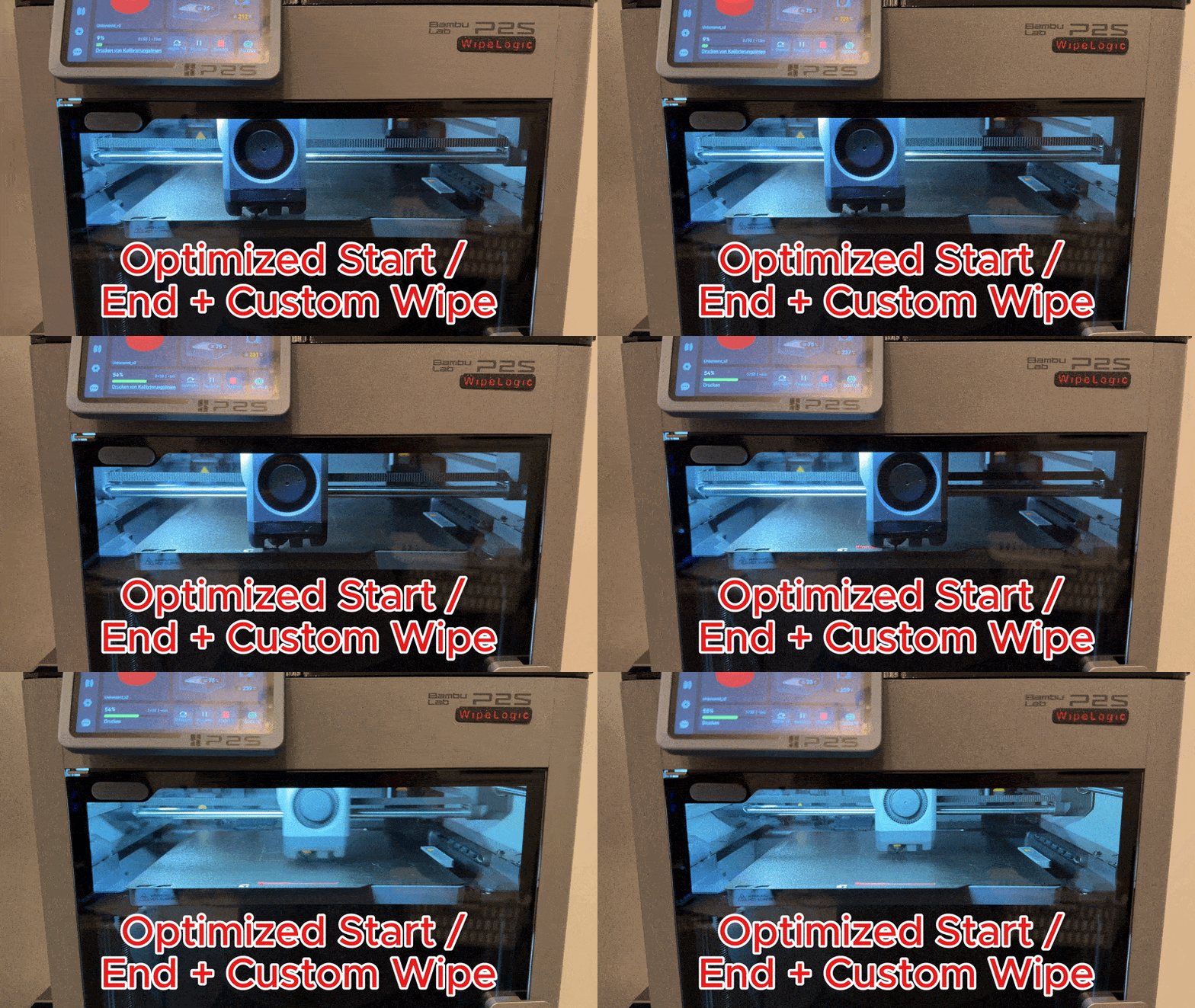
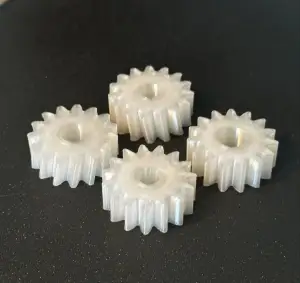
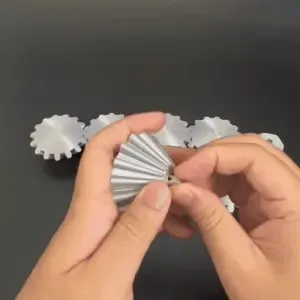
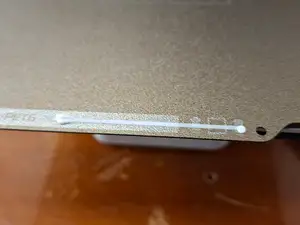
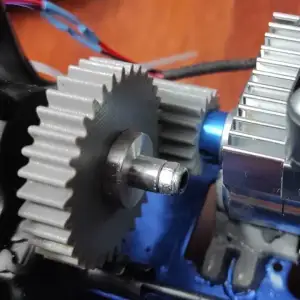
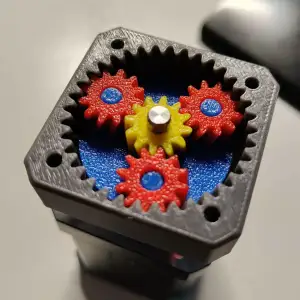

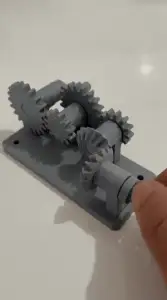
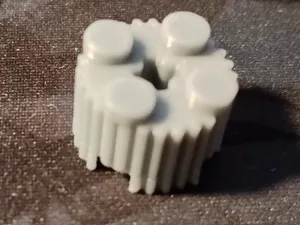
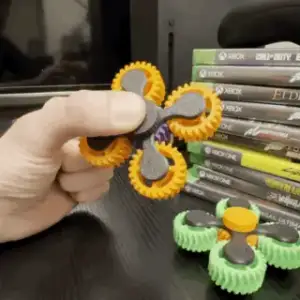
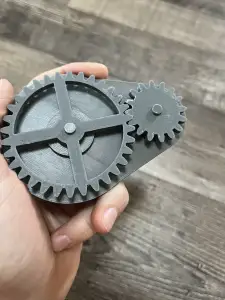
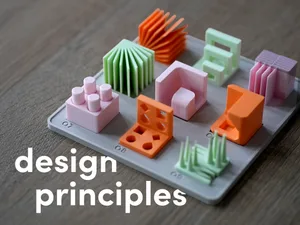
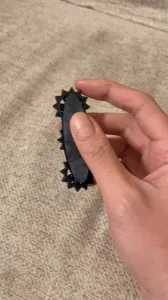
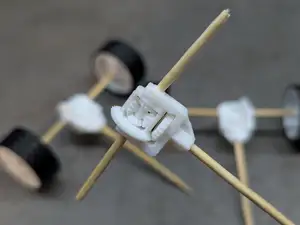
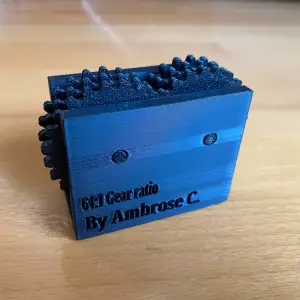
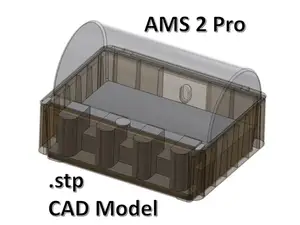
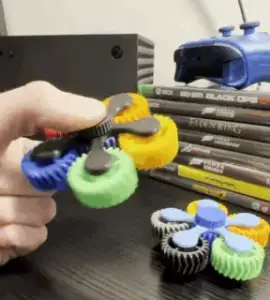
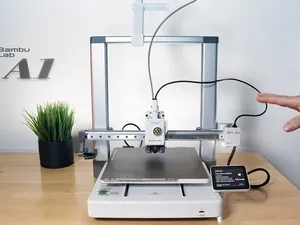
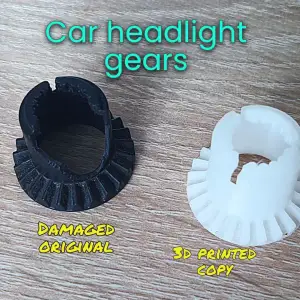
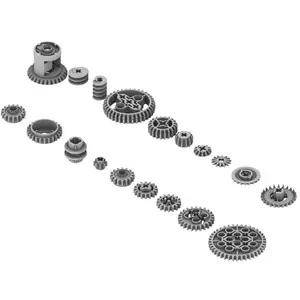
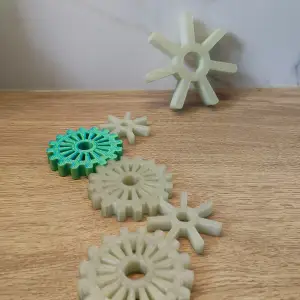
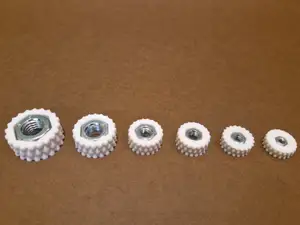
Gear models range from single wheels and small toothed parts to multi-part gearboxes and motor-driven assemblies. Fidget versions are built around a moving joint or a rotating pair, so they print as one piece or as a few parts that snap together. The g-code side is different in kind: these are text routines for start, end, nozzle wipe, filament change or temperature testing, often written for a specific printer family and material.
When choosing a gear model, look at the module and tooth count, the shaft or bore diameter, and how many parts the assembly needs. On the author's page, check the listed material and settings, whether supports are needed, and photos of real prints to judge tolerances and surface finish. For g-code files, read the comments in the file and the description: they usually state which firmware, bed size and material the routine assumes, and which lines you must edit before running it.
To narrow the search, combine terms such as gear, gearbox, spur gear, planetary, rack and pinion, or fidget with words like parametric, module or tooth count. For g-code, try start g-code, end g-code, wipe, purge, temperature tower, retraction test or first layer, and add your printer series or material. Related topics worth checking are extruder and feeder parts, filament guides, and calibration prints.


%2Fhttps%3A%2F%2Ffbi.cults3d.com%2Fuploaders%2F13320524%2Fillustration-file%2F78410c3a-f0f2-48ca-aed0-0bd74d51c16f%2F9c745bce0fce3aea6fc9feb12fe18463_preview_featured.jpg&w=300)

Il catalogo completo dei temi, dalla casa alla lavorazione CNC, con ricerca su tutti i siti collegati.