免费 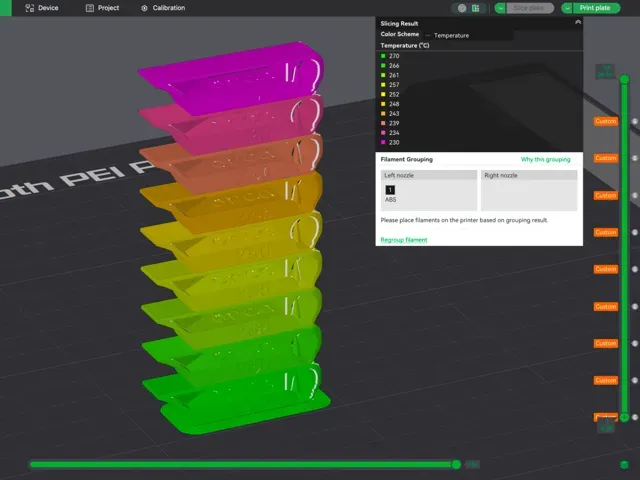
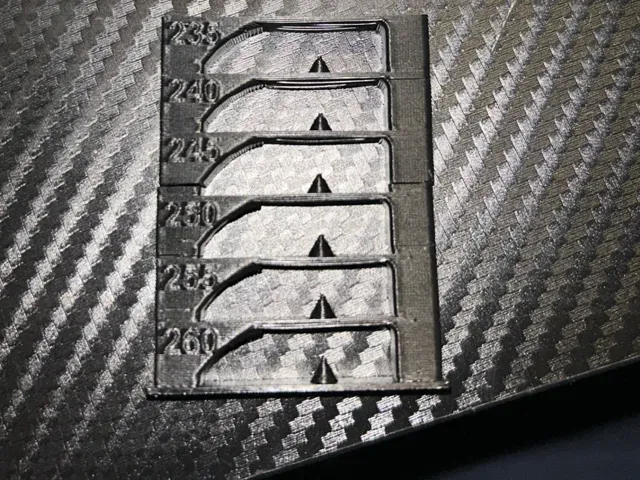
ABS/ASA Temp tower - with custom g-code
MakerWorld
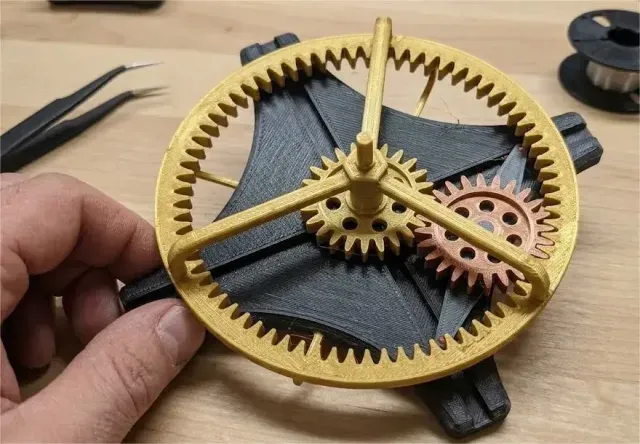
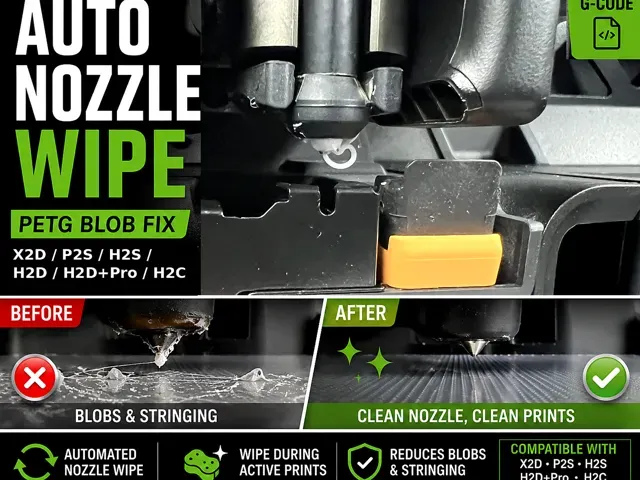
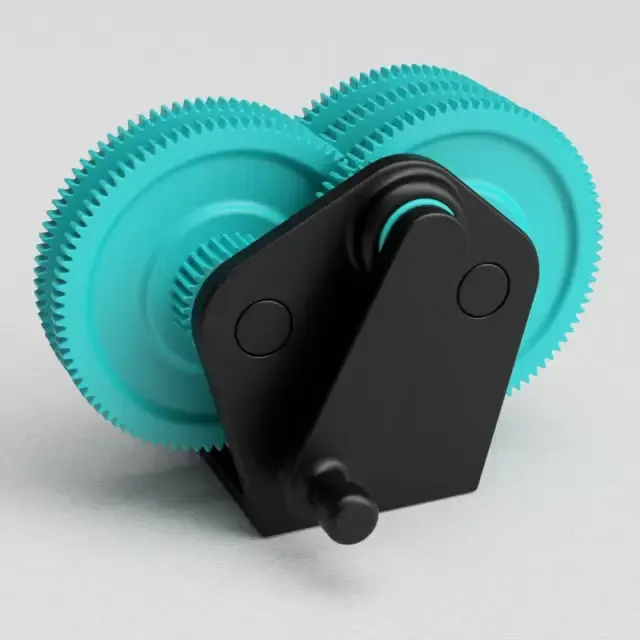
This collection gathers two related groups: printed gear mechanisms and the custom g-code files that shape how a 3D printer runs a job. It is useful when you need a working gear assembly, a small fidget piece, or a start, wipe or temperature routine you can adapt to your own machine. Polyzon does not confirm whether models are free, their price, license, official status, affiliation, safety or fitness. Check the current terms at the source.
本合集的文字为英文,搜索本身支持任何语言。
 Polyzon合集 · 40个模型 来自2个平台
此合集由Polyzon根据已接入平台的搜索结果整理而成:去除重复项和没有预览图的模型,匹配度低的排在最后,其余按搜索结果顺序排列。模型归作者所有——请在各模型页面查看使用条款。
筛选规则:Polyzon编辑部 · 文字更新于2026年10月15日
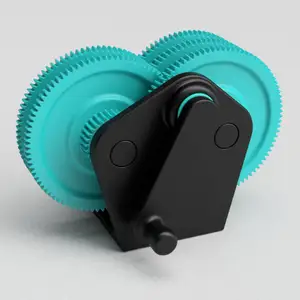
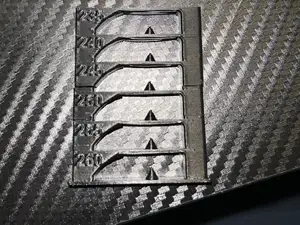
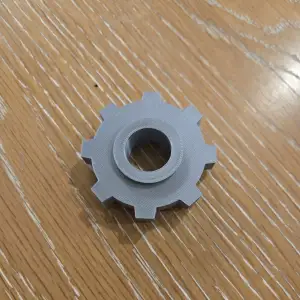

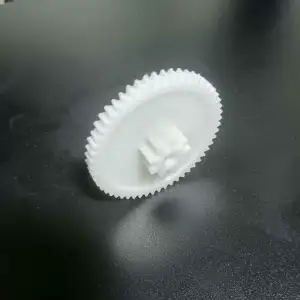

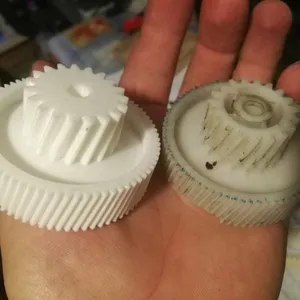
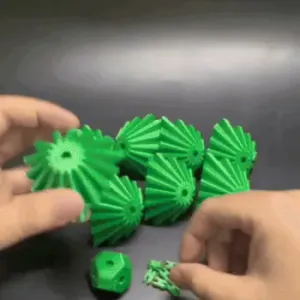

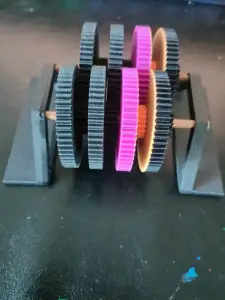
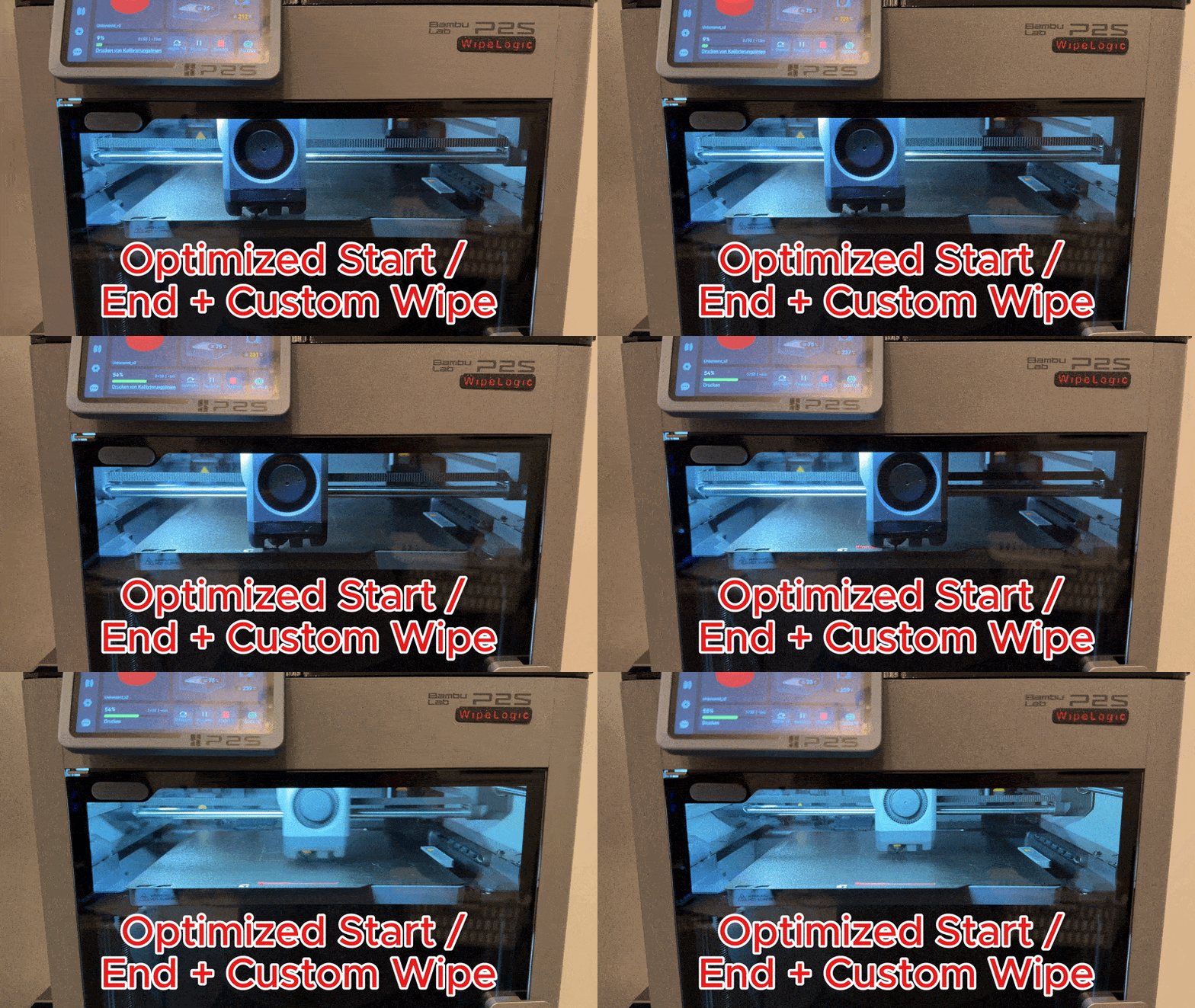
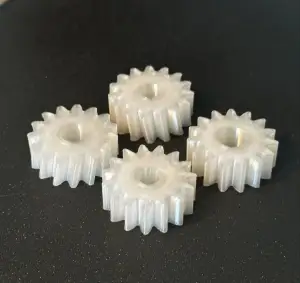

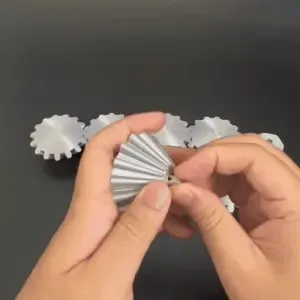
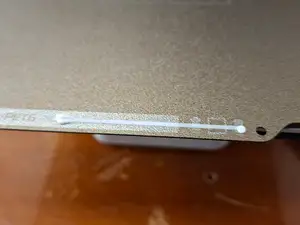
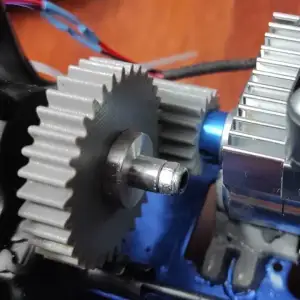
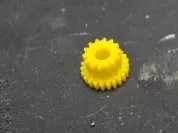
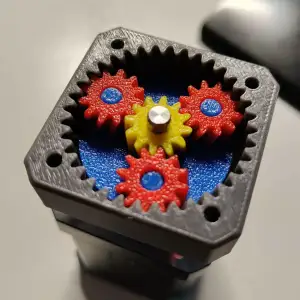

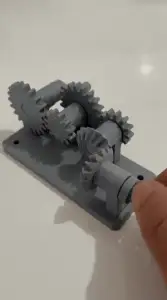
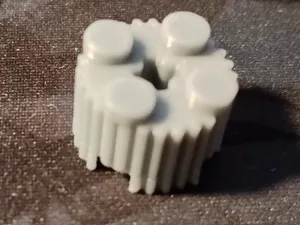

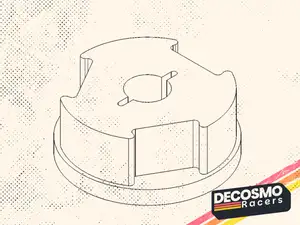
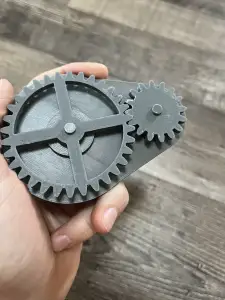


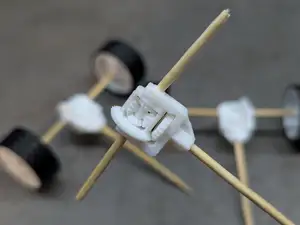
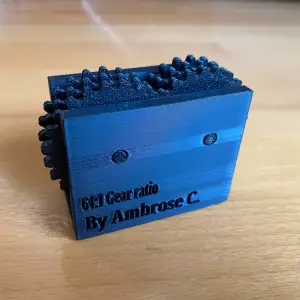
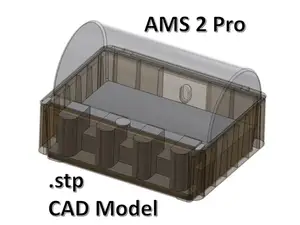
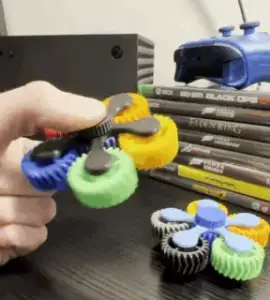
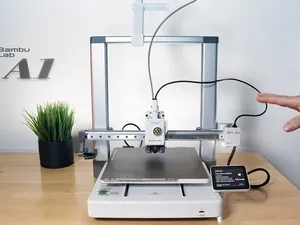

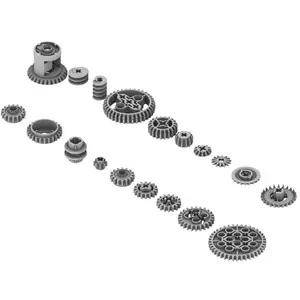
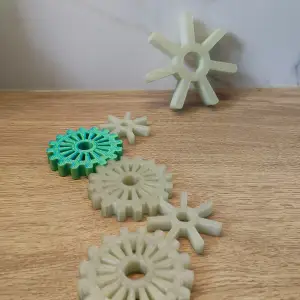
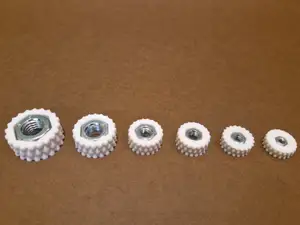
Gear models range from single wheels and small toothed parts to multi-part gearboxes and motor-driven assemblies. Fidget versions are built around a moving joint or a rotating pair, so they print as one piece or as a few parts that snap together. The g-code side is different in kind: these are text routines for start, end, nozzle wipe, filament change or temperature testing, often written for a specific printer family and material.
When choosing a gear model, look at the module and tooth count, the shaft or bore diameter, and how many parts the assembly needs. On the author's page, check the listed material and settings, whether supports are needed, and photos of real prints to judge tolerances and surface finish. For g-code files, read the comments in the file and the description: they usually state which firmware, bed size and material the routine assumes, and which lines you must edit before running it.
To narrow the search, combine terms such as gear, gearbox, spur gear, planetary, rack and pinion, or fidget with words like parametric, module or tooth count. For g-code, try start g-code, end g-code, wipe, purge, temperature tower, retraction test or first layer, and add your printer series or material. Related topics worth checking are extruder and feeder parts, filament guides, and calibration prints.


%2Fhttps%3A%2F%2Ffbi.cults3d.com%2Fuploaders%2F13320524%2Fillustration-file%2F78410c3a-f0f2-48ca-aed0-0bd74d51c16f%2F9c745bce0fce3aea6fc9feb12fe18463_preview_featured.jpg&w=300)

完整的主题目录:从家居日用到CNC,均可在已接入的来源平台中搜索。